
Learn AI Through Product Demos, Customer Stories & Expert Sessions
Watch detailed implementation walkthroughs, explore how leading enterprises deploy cognitive agents, and get hands-on tutorials for the entire Yukosa AI Platform.
Browse by Category


Explore All Videos
 1:29
1:29Activity Agent
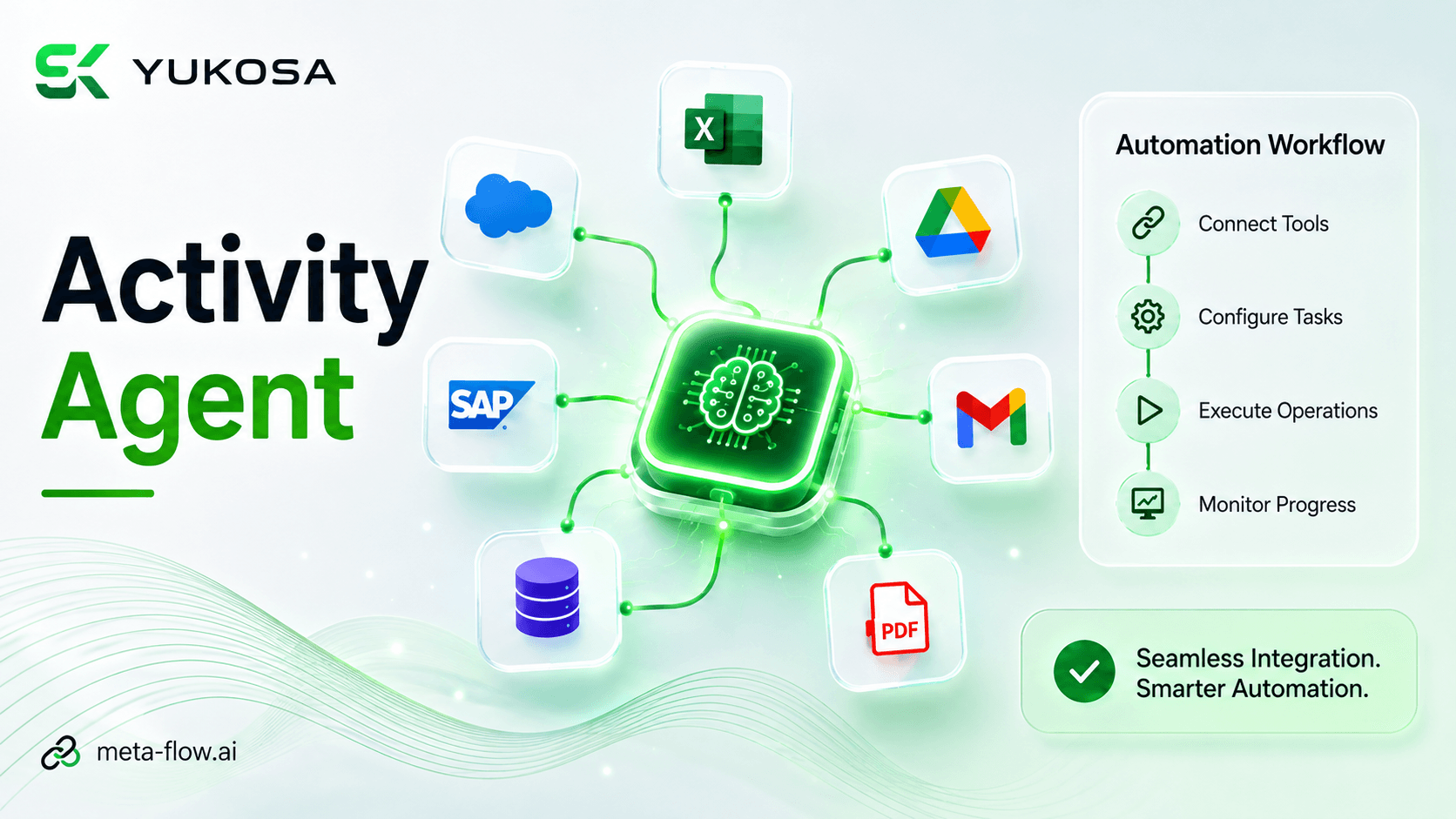
The Activity Agent enables seamless integration of multiple tools within an automation workflow. It connects different tools and activities to perform required operations across the entire process. Each tool can be configured to execute specific tasks, enabling smooth and coordinated workflow execution. This helps automate complex business processes with greater efficiency, flexibility, and minimal manual intervention.
meta-flow.ai Product Team
meta-flow.ai™ Product Library
 2:07
2:07Ask & Build Agent
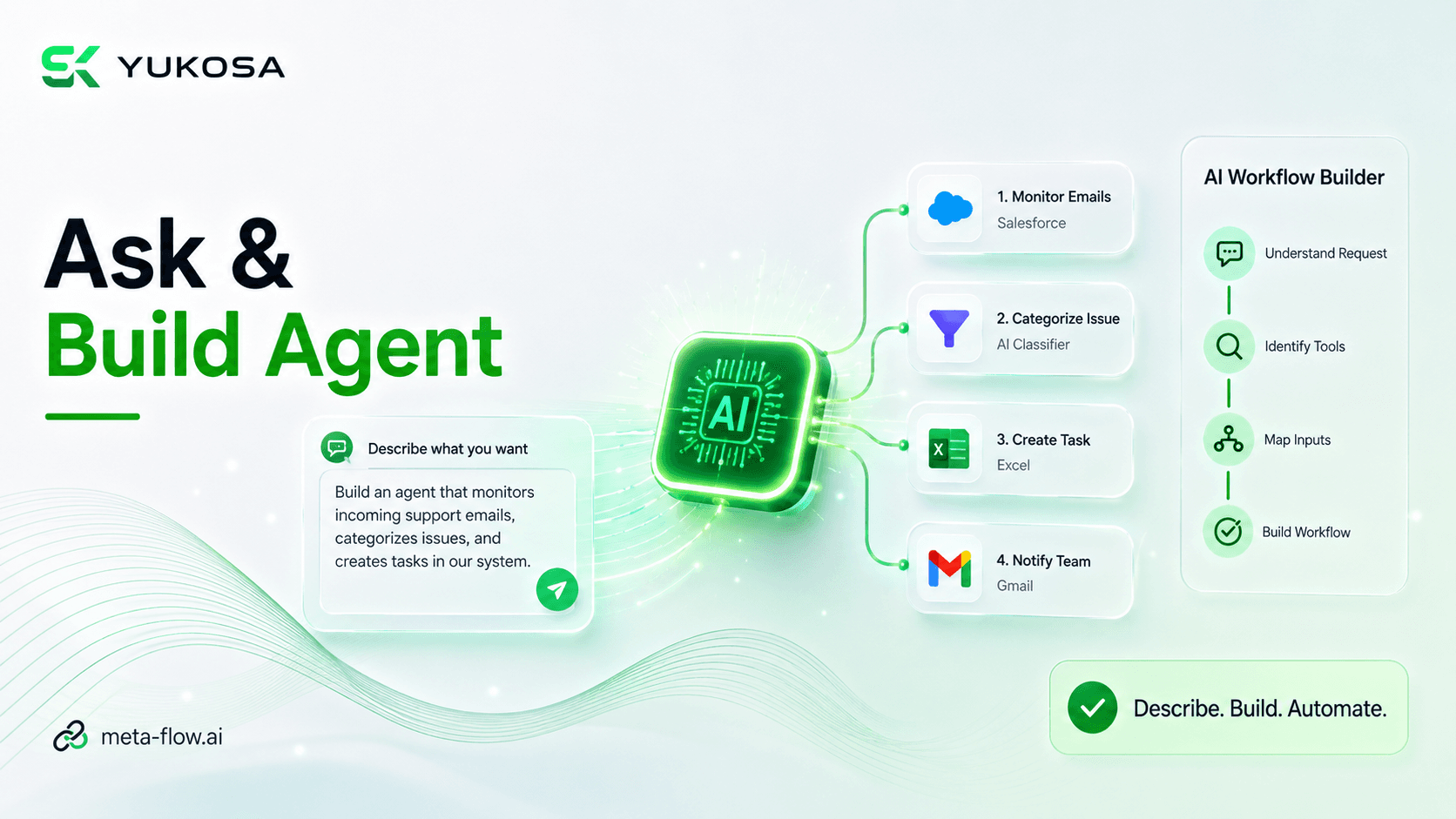
The Ask & Build Agent enables users to describe their automation requirements using natural language and get intelligent assistance from meta-flow.ai™. It understands the requested business process and automatically identifies the required activities, tools, inputs, and workflow steps. Users can build complete automation workflows without manually configuring each step through traditional drag-and-drop methods. This simplifies workflow creation, reduces development effort, and enables faster automation of complex business processes.
meta-flow.ai Product Team
meta-flow.ai™ Product Library
 2:49
2:49Cash Forecasting Automation
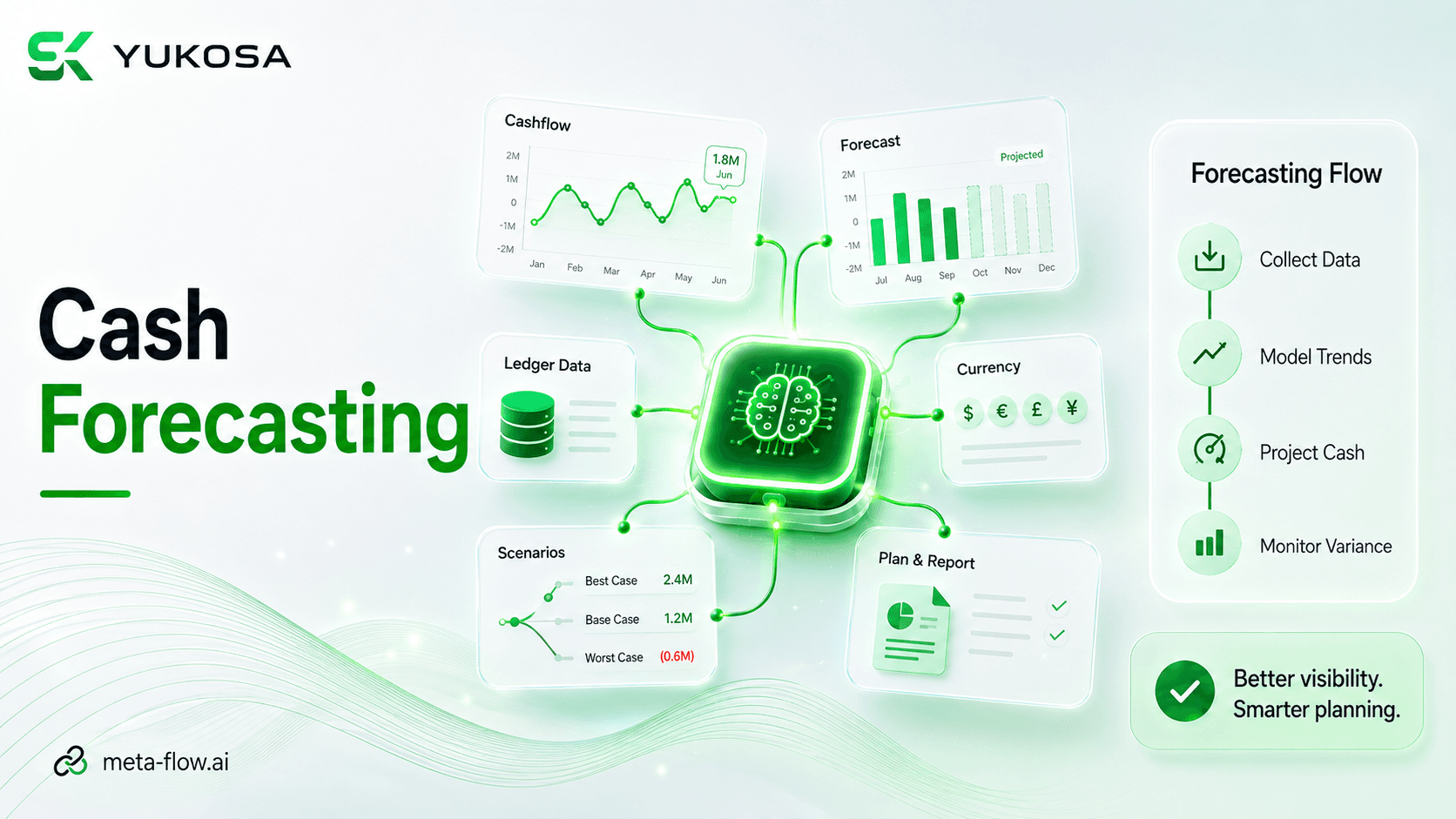
This video demonstrates a cash forecasting workflow built on meta-flow.ai™, showing how financial data is pulled together and processed to support a structured, repeatable forecasting process instead of manual spreadsheet work.
meta-flow.ai Product Team
meta-flow.ai™ Product Library
 3:15
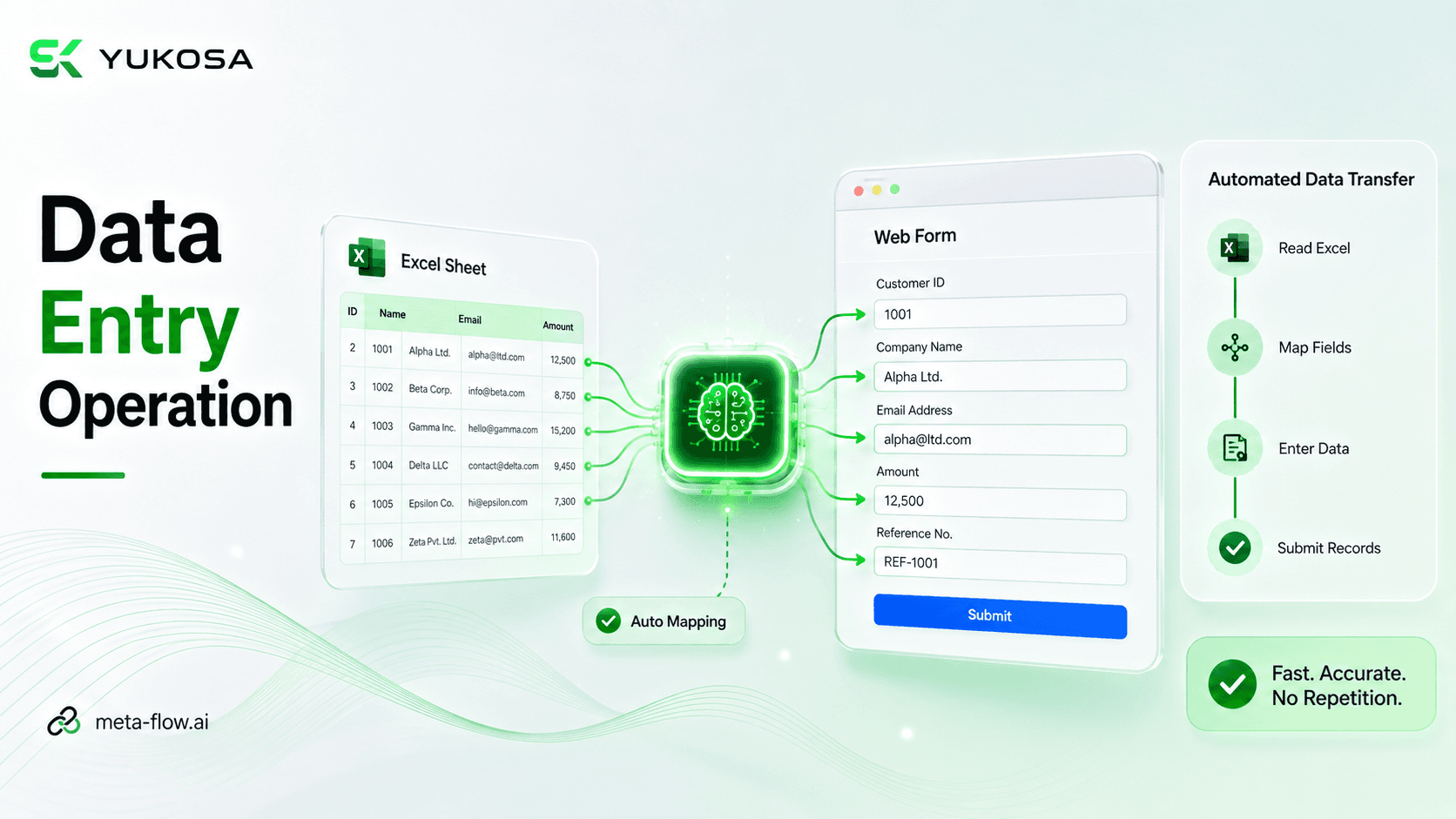
3:15Data Entry Operation
The Data Entry Operation automates the process of transferring complete data from an Excel sheet into web-based applications. It reads the data, opens the required browser application, and automatically maps the Excel fields to the corresponding web form fields. The data is then entered and submitted automatically across the required records without manual intervention. This significantly reduces repetitive data-entry efforts while improving speed, accuracy, and consistency.
meta-flow.ai Product Team
meta-flow.ai™ Product Library
 1:37
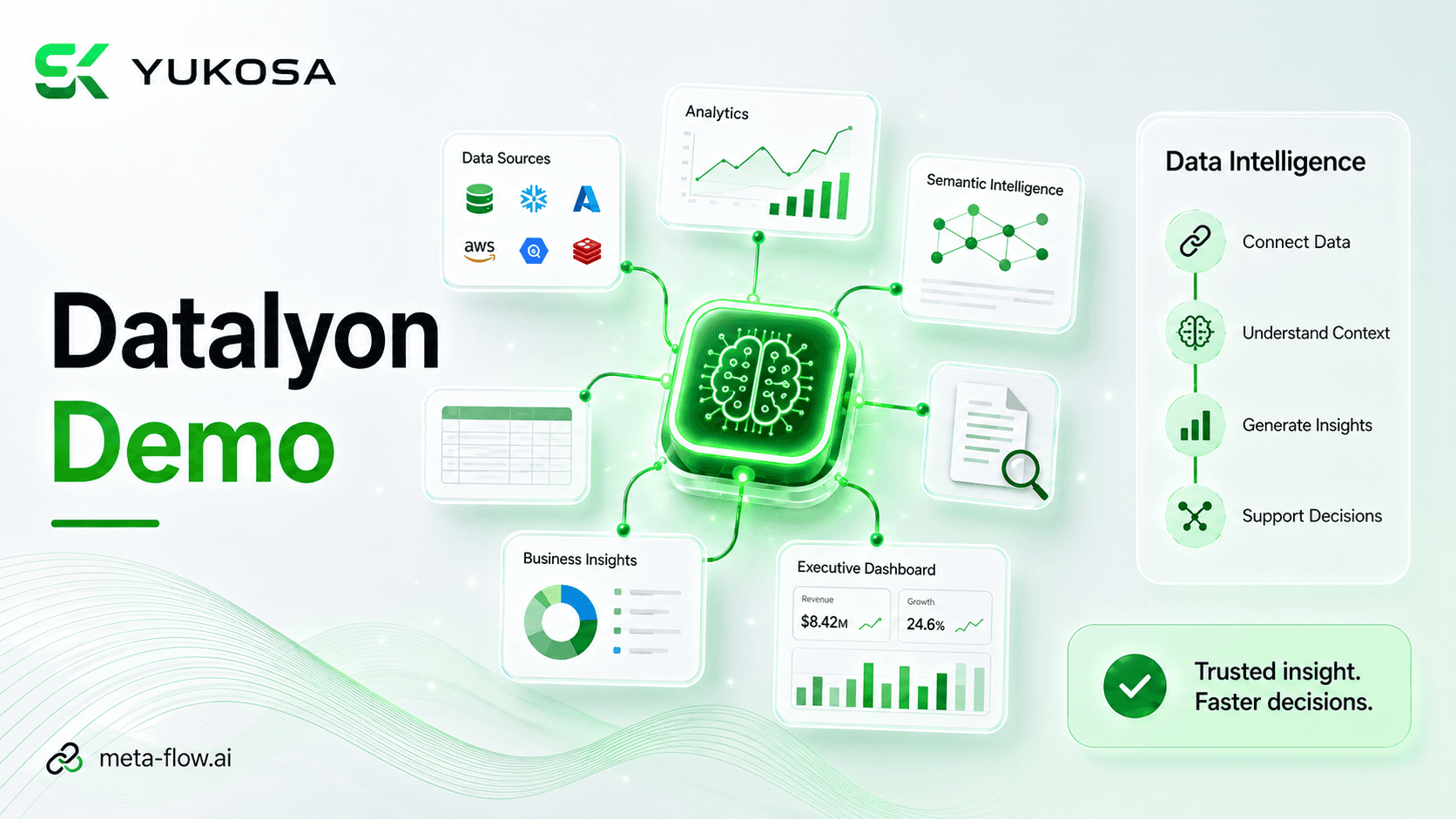
1:37datalyon.ai Demo Video
This demo walks through the datalyon.ai platform, showing how enterprise data from multiple sources can be connected, indexed, and explored through natural-language queries and AI-generated insights, giving teams a unified view of operational data without manual report-building.
datalyon.ai Product Team
datalyon.ai™ Product Library
 6:34
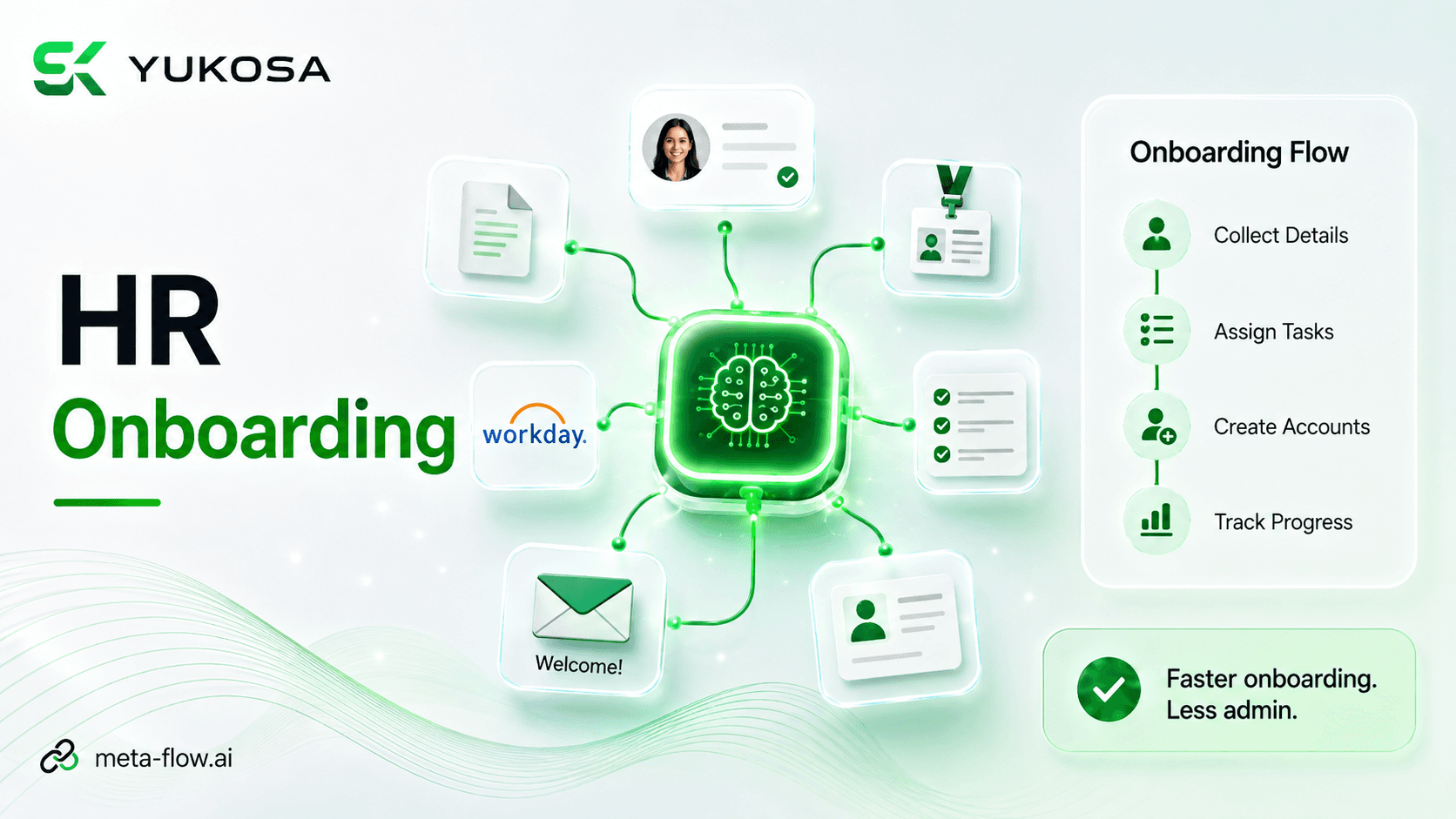
6:34HR Onboarding Automation
This walkthrough shows how meta-flow.ai™ automates the employee onboarding journey — coordinating candidate data, document validation, account provisioning, and HR system updates into one connected pipeline instead of a manual, multi-system checklist.
meta-flow.ai Product Team
meta-flow.ai™ Product Library
 2:04
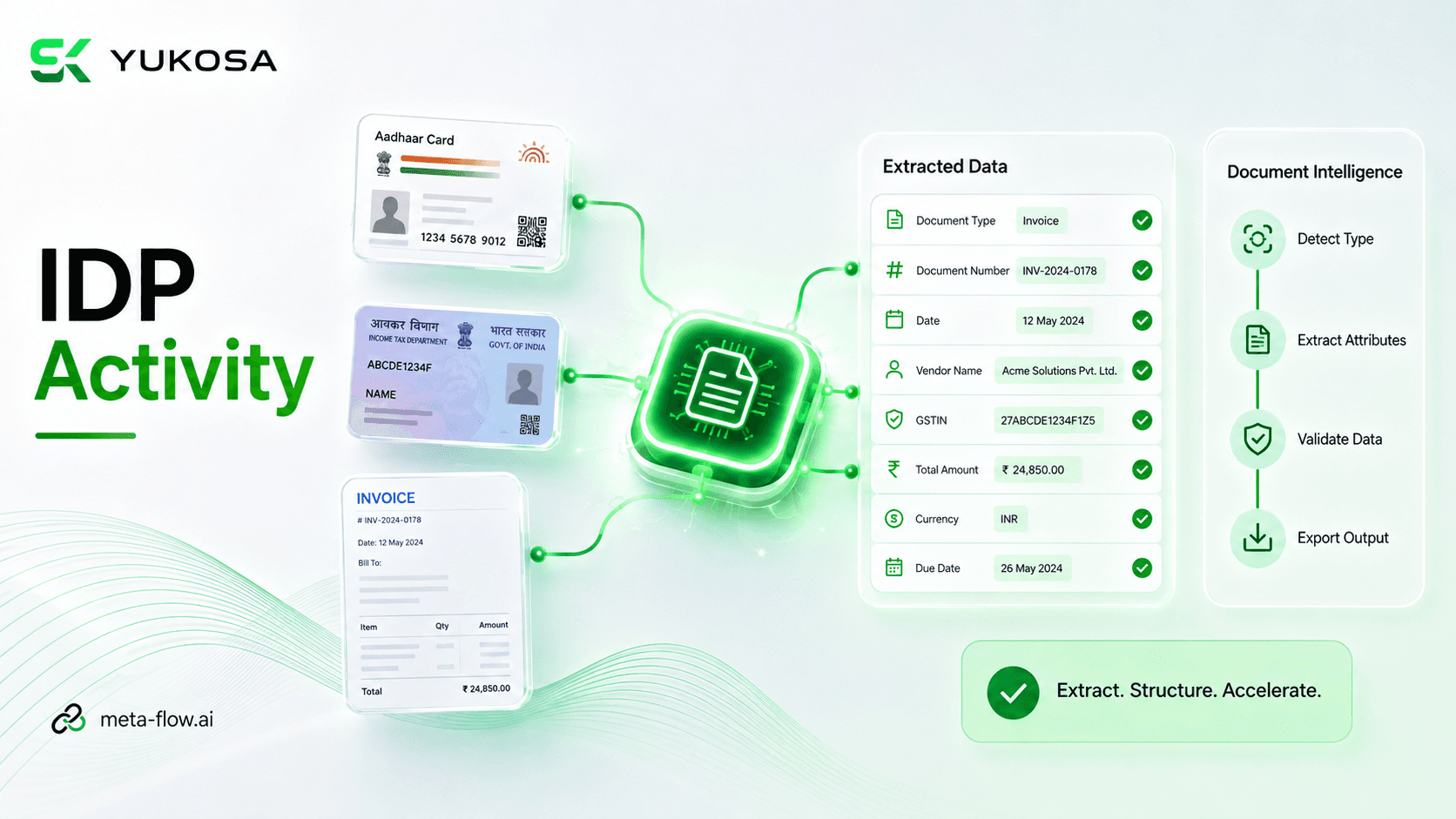
2:04IDP Activity
The IDP Activity enables automated extraction of structured information from documents such as Aadhaar Cards, PAN Cards, invoices, and other document types. It allows users to define the document type and specify the attributes that need to be extracted from each document. The configured IDP activity processes the document and intelligently identifies and extracts the required information. This eliminates manual document processing while improving data accuracy, consistency, and processing efficiency.
meta-flow.ai Product Team
meta-flow.ai™ Product Library
 7:44
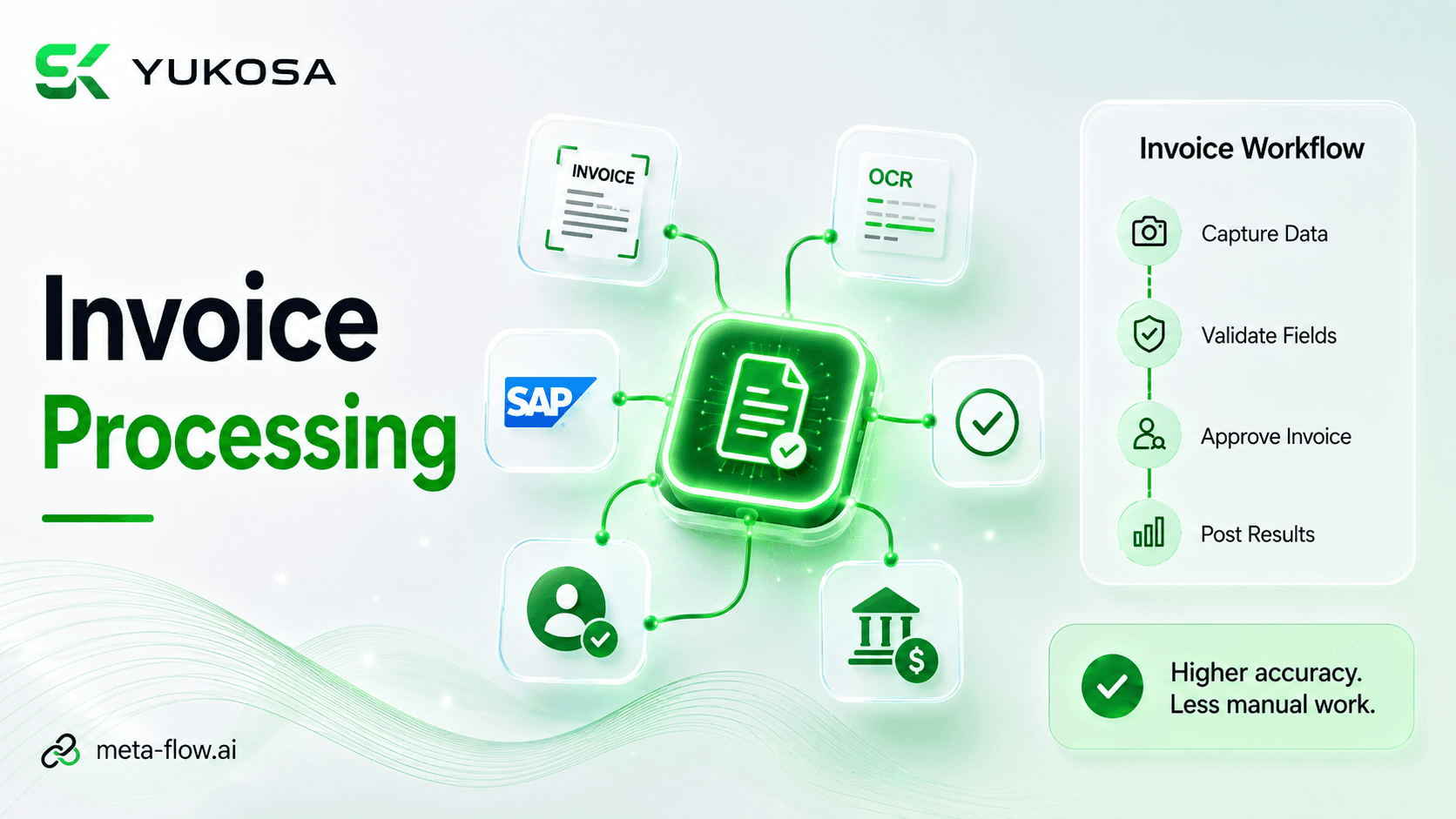
7:44Invoice Processing Automation
This video demonstrates an end-to-end invoice processing workflow with meta-flow.ai™ — from document intake and data extraction through validation and downstream processing, replacing manual invoice handling with a connected automated pipeline.
meta-flow.ai Product Team
meta-flow.ai™ Product Library
 1:28
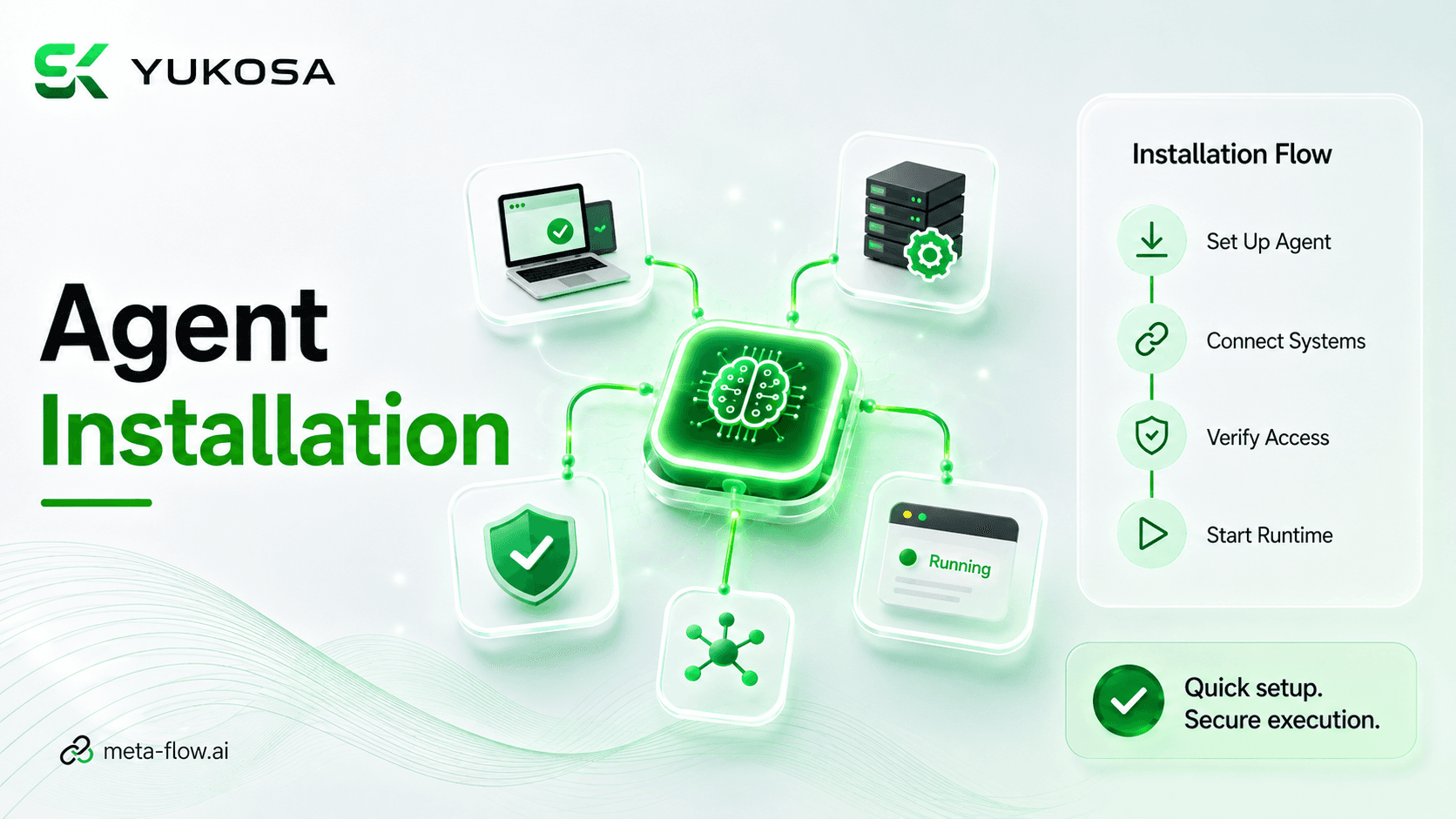
1:28meta-flow.ai Agent Installation
This walkthrough covers installing and configuring the meta-flow.ai™ agent, the component that connects your local or on-premises systems to the platform so workflows can execute against them.
meta-flow.ai Product Team
meta-flow.ai™ Product Library
 2:02
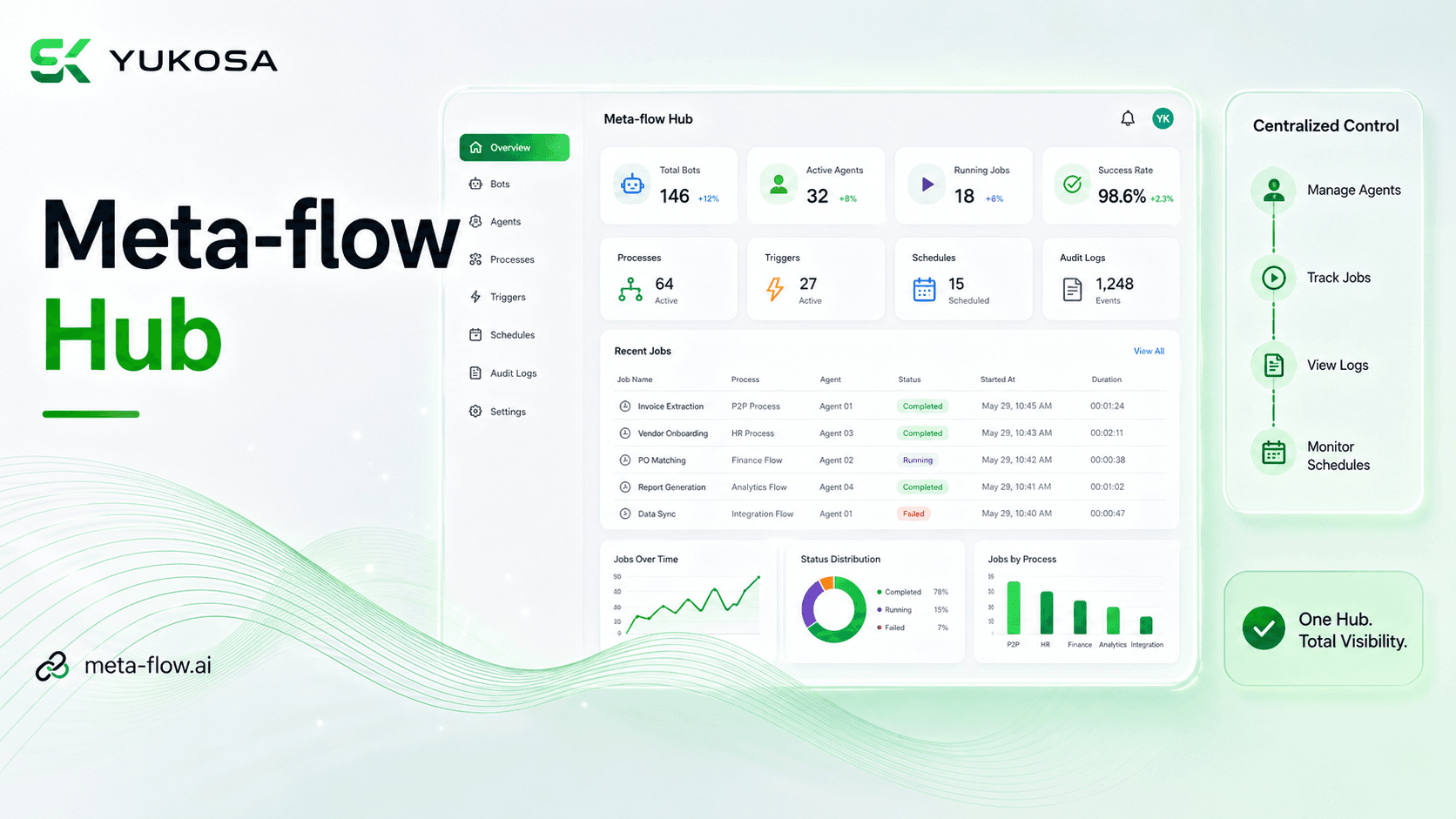
2:02meta-flow.ai Hub — Full Walkthrough
The meta-flow.ai Hub provides a centralized platform to manage and monitor automation processes, agents, and jobs from a single interface. It enables users to manage bots, assign projects and processes, and control automation execution through a unified workspace. Users can monitor job status, execution history, triggers, schedules, and detailed audit logs in real time. With centralized visibility and management, meta-flow.ai Hub simplifies automation monitoring and operational control.
meta-flow.ai Product Team
meta-flow.ai™ Product Library
0:50meta-flow.ai Hub — Quick Overview
A brief tour of the meta-flow.ai Hub, the centralized platform to manage and monitor automation processes, agents, and jobs from a single interface. It enables users to manage bots, assign projects and processes, and control automation execution through a unified workspace. Users can monitor job status, execution history, triggers, schedules, and detailed audit logs in real time.
meta-flow.ai Product Team
meta-flow.ai™ Product Library
 2:14
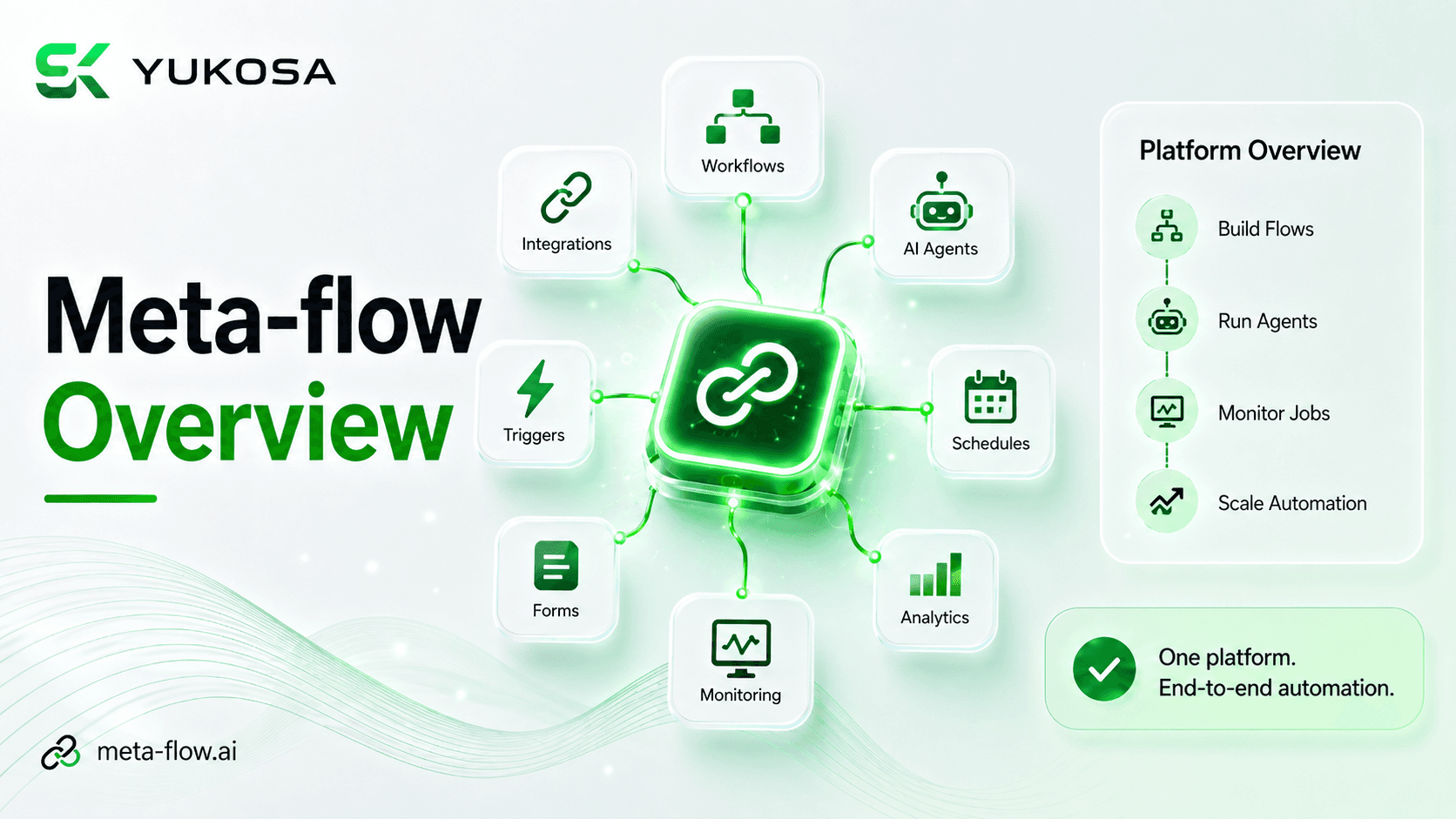
2:14meta-flow.ai Platform Overview
This overview introduces the meta-flow.ai™ platform end to end — from building workflows and connecting activities to managing execution through the meta-flow.ai Hub — giving new users a complete first look at how the platform fits together.
meta-flow.ai Product Team
meta-flow.ai™ Product Library
 2:06
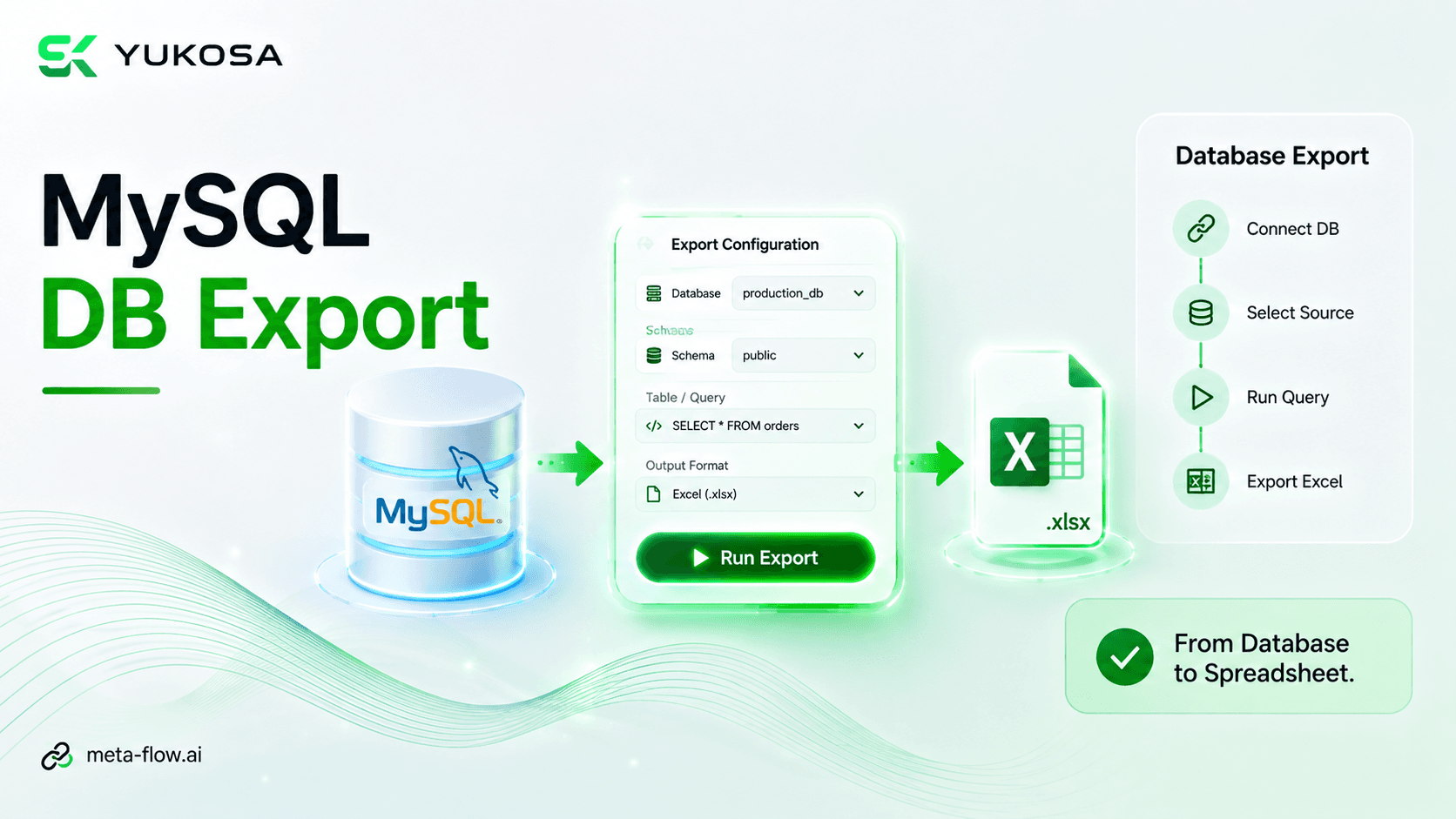
2:06MySQL DB Export
The MySQL DB Export activity enables users to connect to a MySQL database and export data directly through the meta-flow.ai™ workflow. It allows configuration of the database connection, source table, query type, and required export settings. The workflow executes the configured database operation and generates the extracted data in a structured format such as Excel. This simplifies database-to-file data extraction, reduces manual effort, and enables seamless integration into automated processes.
meta-flow.ai Product Team
meta-flow.ai™ Product Library
 5:00
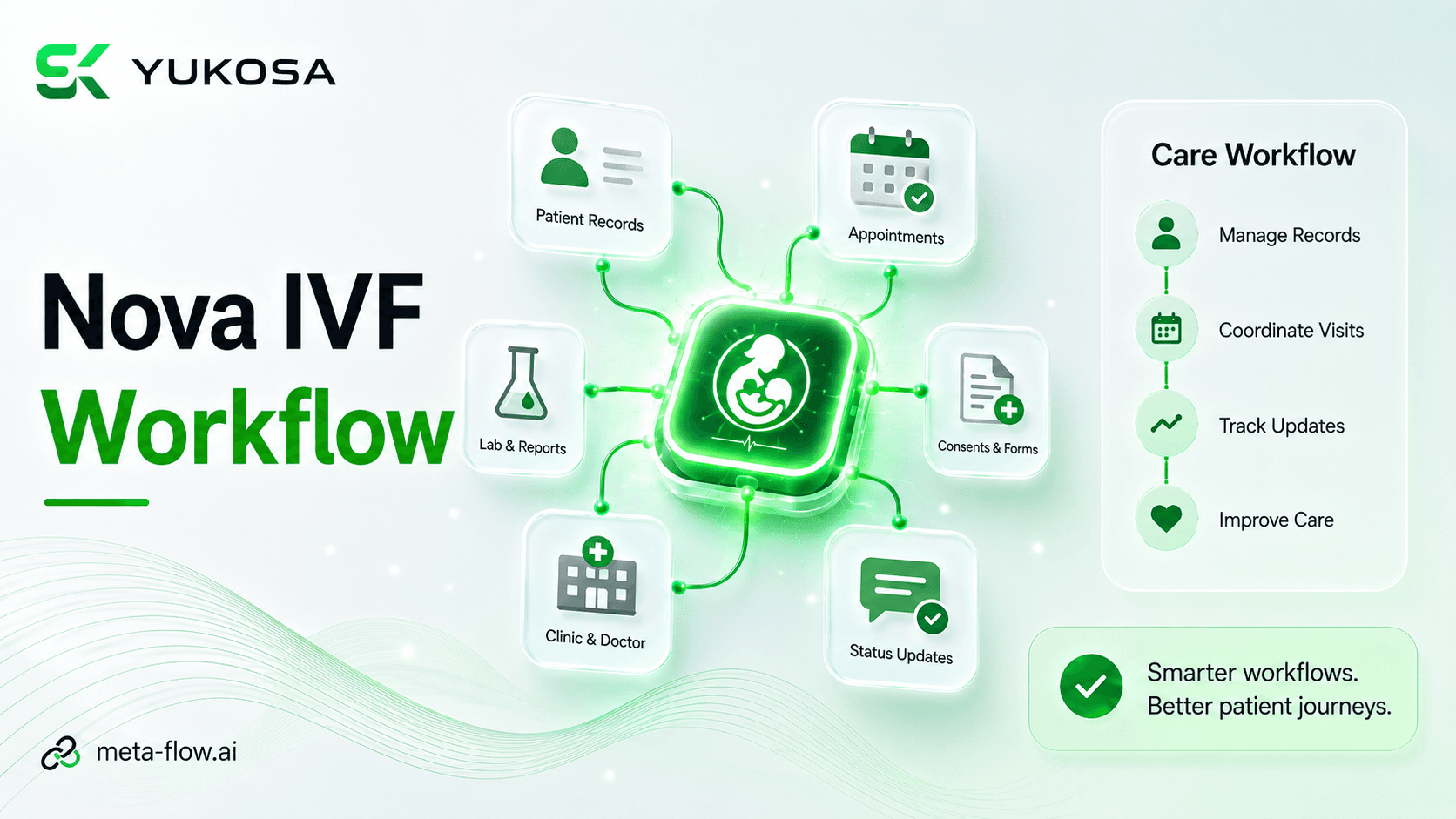
5:00Nova IVF: Automating Employee Offboarding
Nova IVF's employee offboarding process required HR and IT teams to manually coordinate actions across three separate systems every time an employee left the organization, with no centralized view confirming that every step had been completed. This video shows how meta-flow.ai™ replaced the manual checklist with a single automated workflow triggered by an employee-exit event — reducing access-related risk, lowering HR and IT workload, and making every offboarding consistent and traceable.
Nova IVF
Yukosa Customer Stories
 1:41
1:41Parley: Automating Azure License Reclamation
Parley's vendor network accumulated inactive Microsoft Azure accounts that continued consuming paid licenses, with no systematic way to identify, notify, and reclaim them. This video shows how meta-flow.ai™ automated the complete lifecycle — detecting 90-day inactivity, sending automated reminders, deactivating unresponsive accounts in Azure AD, and reclaiming licenses after a grace period — turning reactive license management into a proactive, policy-driven process.
Parley
Yukosa Customer Stories
 1:44
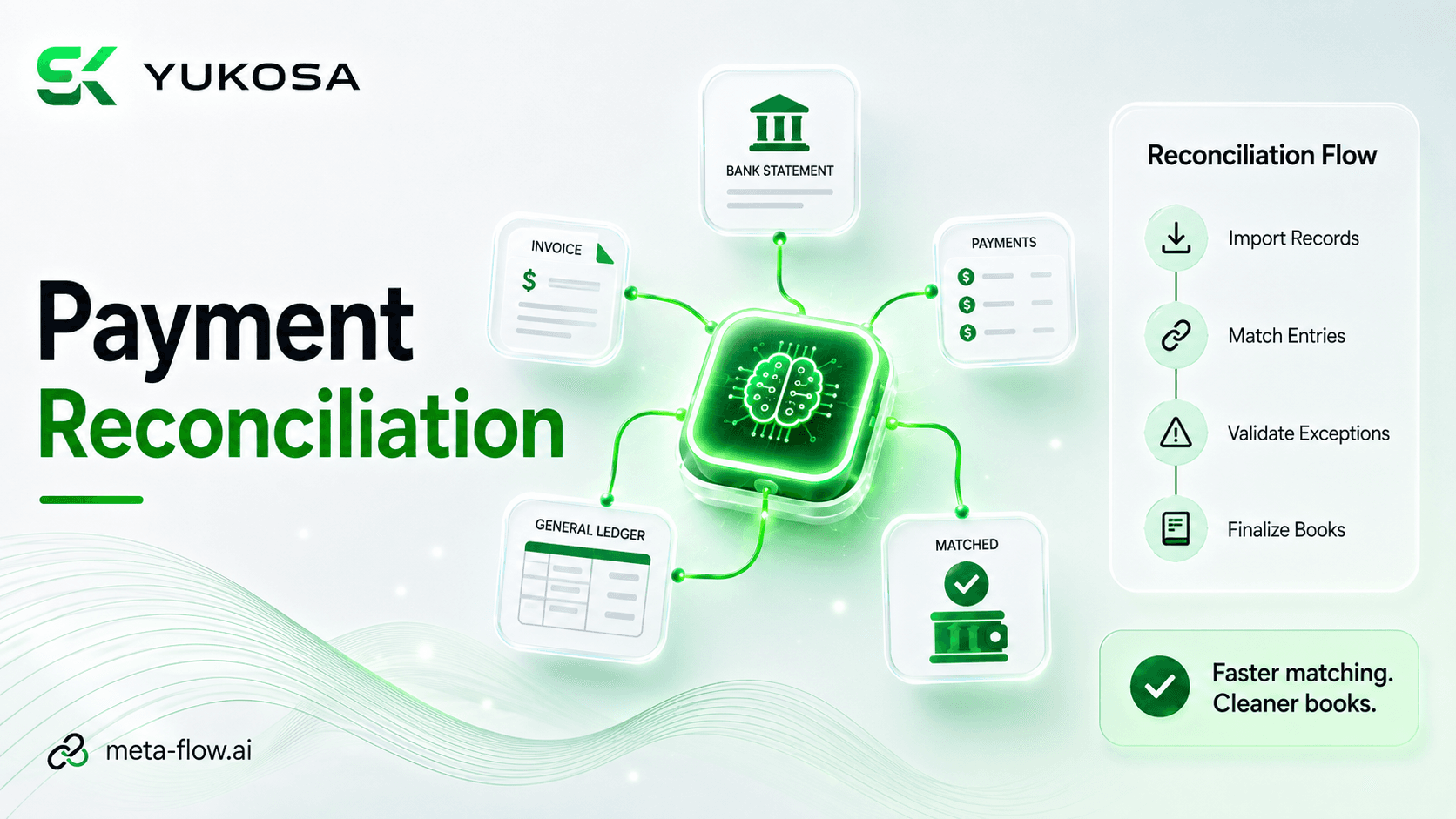
1:44Payment Reconciliation Automation
This video demonstrates a payment reconciliation workflow automated with meta-flow.ai™ — matching transactions across systems and flagging exceptions that need review, instead of comparing records manually.
meta-flow.ai Product Team
meta-flow.ai™ Product Library
 1:20
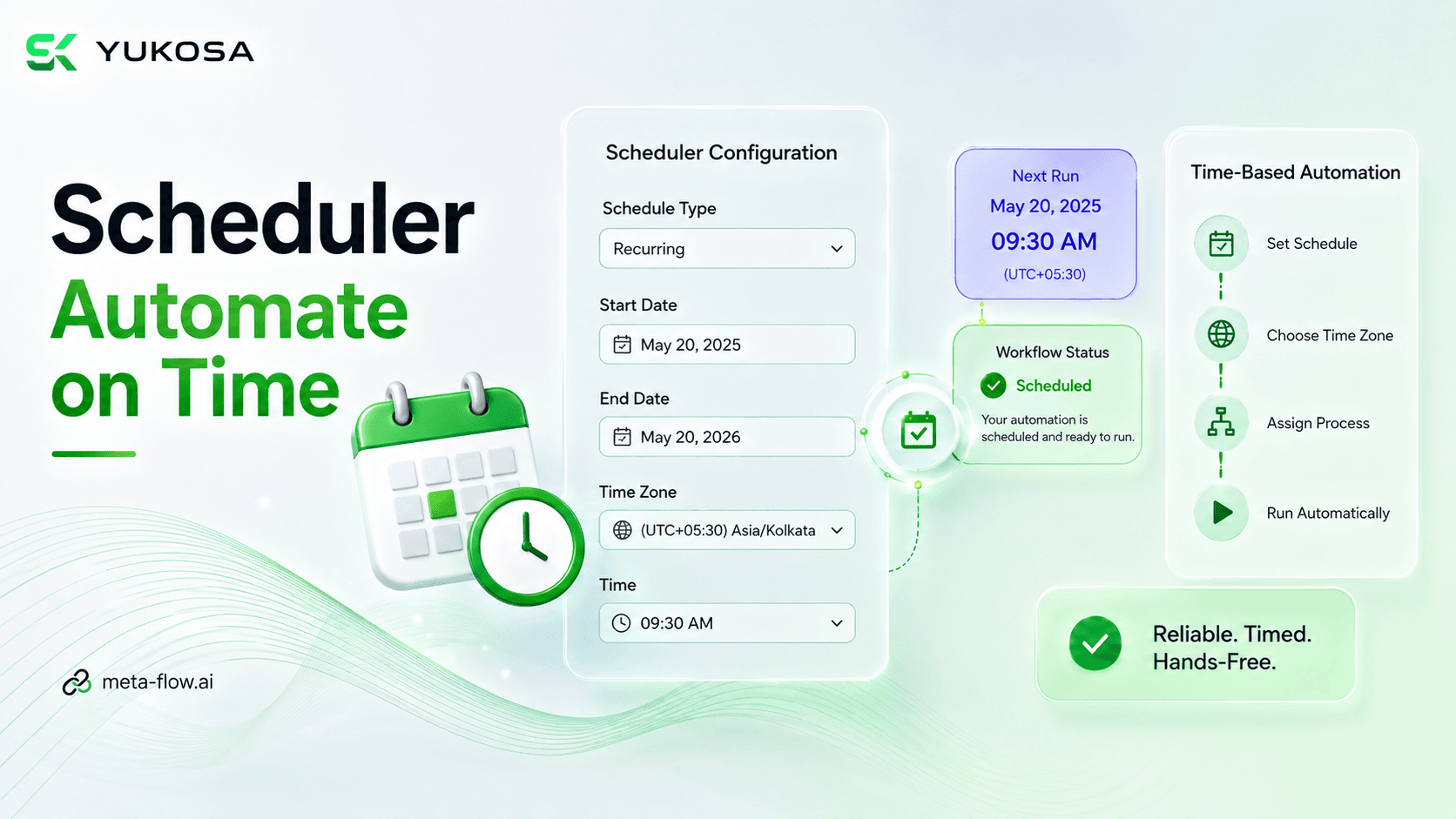
1:20Scheduler — Full Walkthrough
The Scheduler in meta-flow.ai Hub enables workflows to execute automatically based on a predefined schedule. Users can configure the scheduler name, schedule type, start and end dates, time zone, and execution time. The required project, process, agent, and execution priority can be selected to control the scheduled automation. This enables reliable, time-based process execution without manual intervention, ensuring workflows run consistently at the required time.
meta-flow.ai Product Team
meta-flow.ai™ Product Library
1:28Scheduler — Quick Overview
A brief tour of the Scheduler in meta-flow.ai Hub, which enables workflows to execute automatically based on a predefined schedule. Users can configure the scheduler name, schedule type, start and end dates, time zone, and execution time.
meta-flow.ai Product Team
meta-flow.ai™ Product Library
 2:39
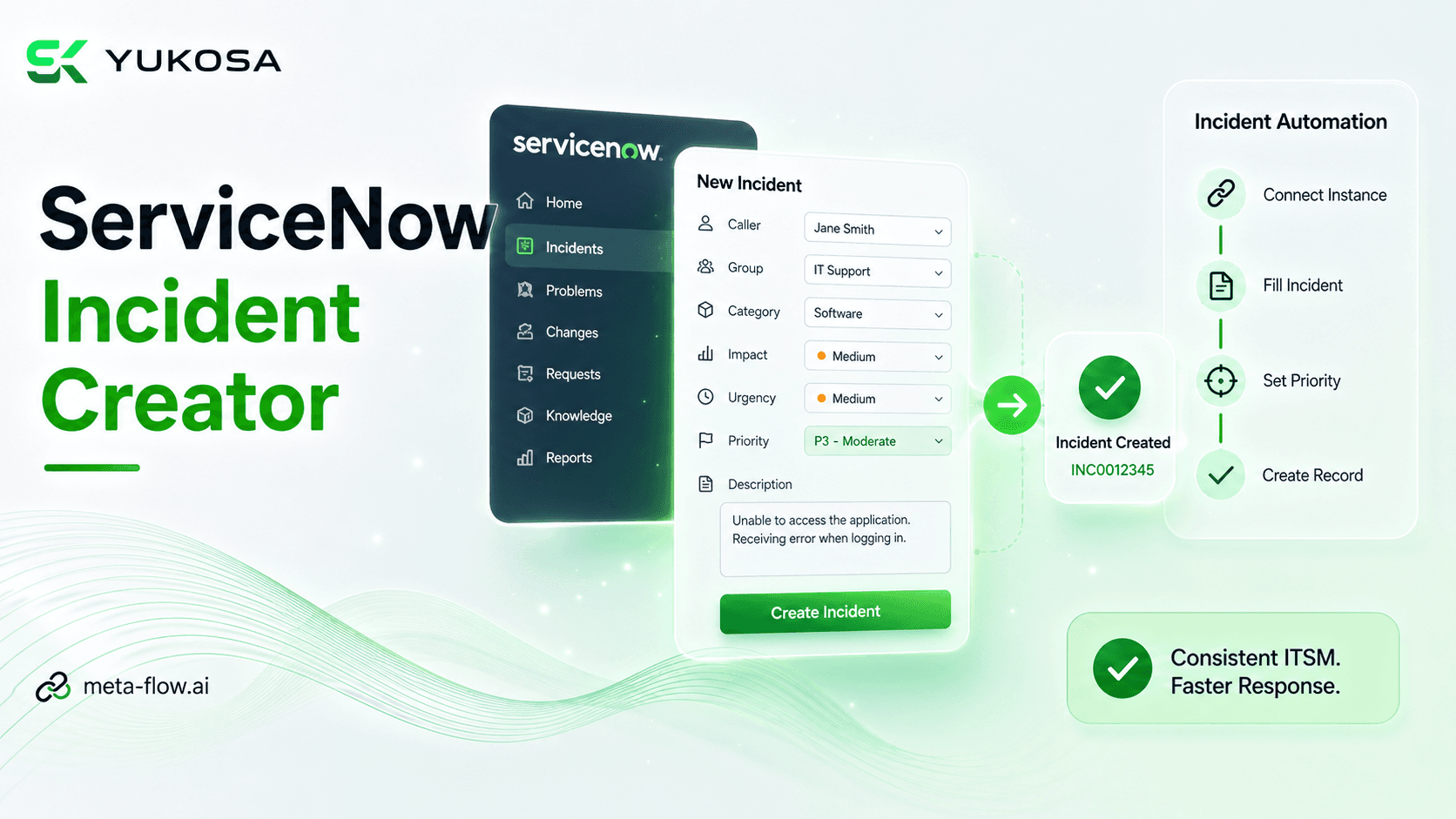
2:39ServiceNow Incident Creator
The ServiceNow Create Incident activity enables automated creation of incidents directly within ServiceNow. It connects to the ServiceNow instance and allows users to configure incident details such as caller, assignment group, description, category, impact, urgency, and priority. The configured information is automatically submitted to the ServiceNow incident table through the workflow. This streamlines incident creation, reduces manual effort, and ensures consistent and reliable IT service management processes.
meta-flow.ai Product Team
meta-flow.ai™ Product Library
 1:37
1:37Signup and Login
This walkthrough covers signing up for meta-flow.ai™ and logging in for the first time, from account creation through reaching the main workspace.
meta-flow.ai Product Team
meta-flow.ai™ Product Library
 3:49
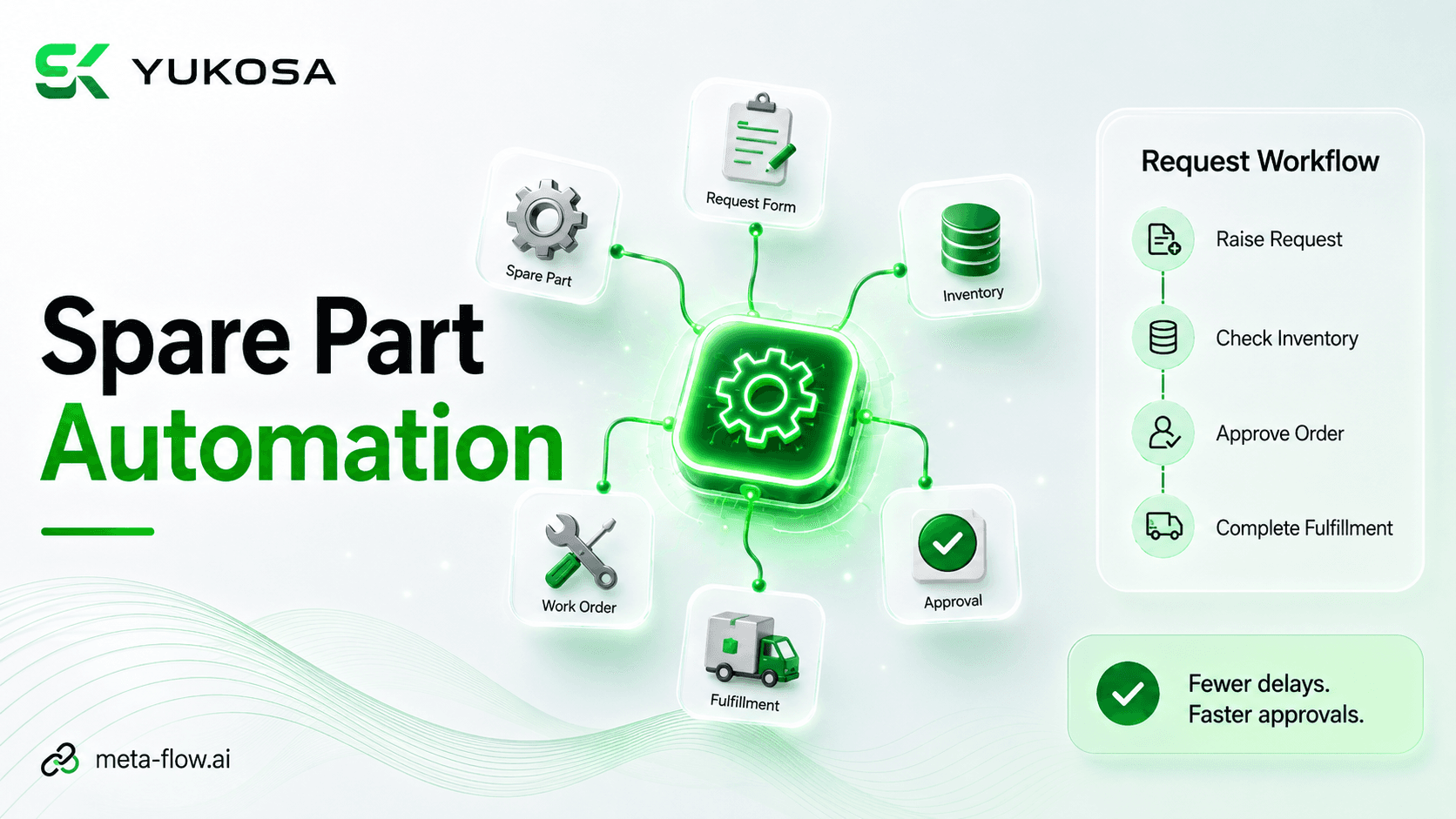
3:49Spare Part Request Automation Workflow
This walkthrough covers a spare part request workflow automated with meta-flow.ai™ — from request intake through approval routing and fulfillment tracking, replacing manual coordination between requesters, approvers, and inventory teams.
meta-flow.ai Product Team
meta-flow.ai™ Product Library
 1:27
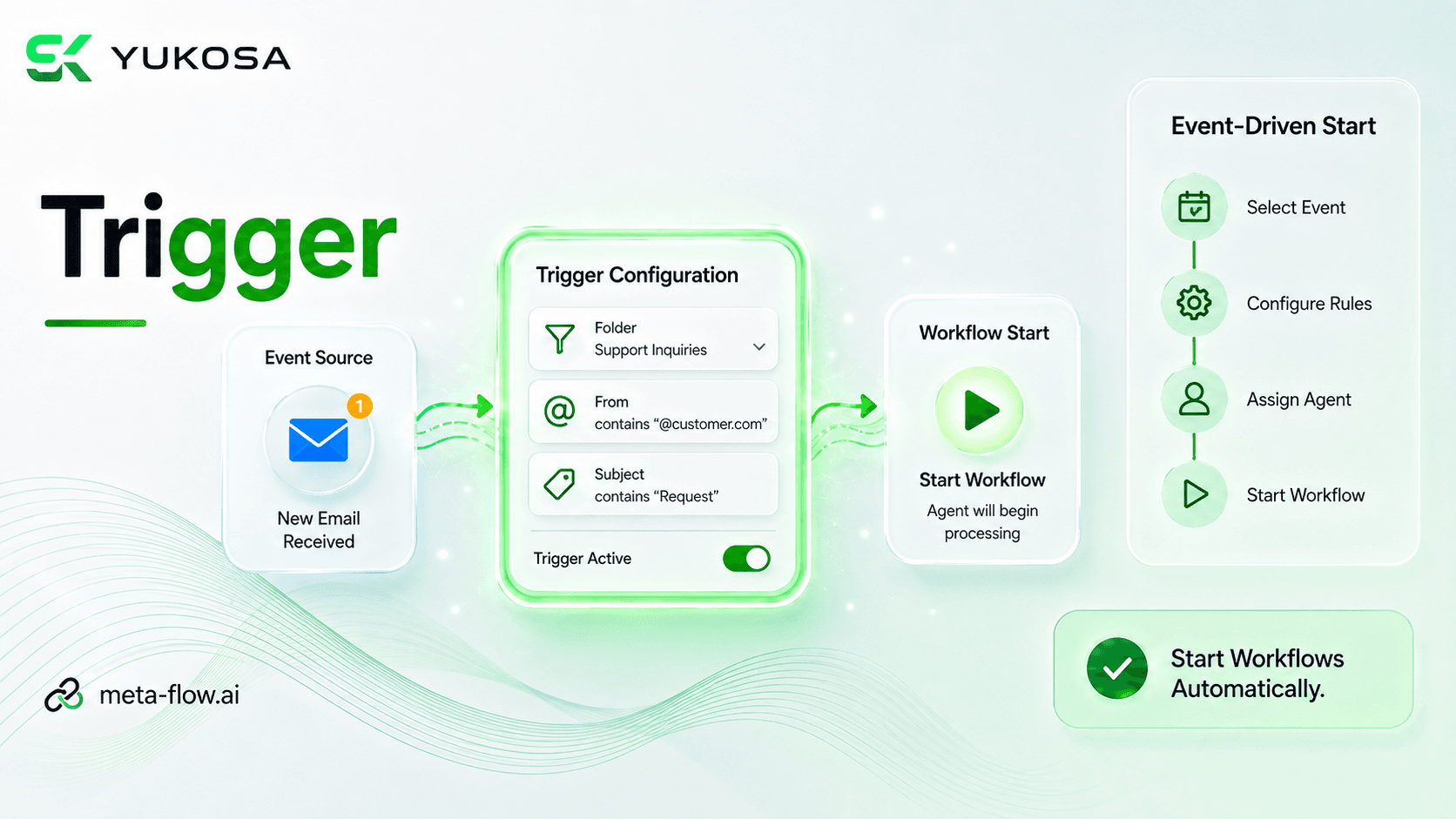
1:27Trigger — Full Walkthrough
The Trigger feature in meta-flow.ai Hub enables workflows to start automatically when a specific event occurs. Users can configure the trigger type, connection, event, project, process, and assigned agent based on their automation requirements. Execution settings such as priority and conditions can be configured to control when and how the process is initiated. This enables event-driven automation, eliminating the need for manual workflow execution and ensuring timely process execution.
meta-flow.ai Product Team
meta-flow.ai™ Product Library
1:08Trigger — Quick Overview
A brief tour of the Trigger feature in meta-flow.ai Hub, which enables workflows to start automatically when a specific event occurs. Users can configure the trigger type, connection, event, project, process, and assigned agent based on their automation requirements.
meta-flow.ai Product Team
meta-flow.ai™ Product Library