
Add an AI Agent directly into a workflow to handle the steps that need reasoning, judgment, or flexible handling — without leaving the automation.
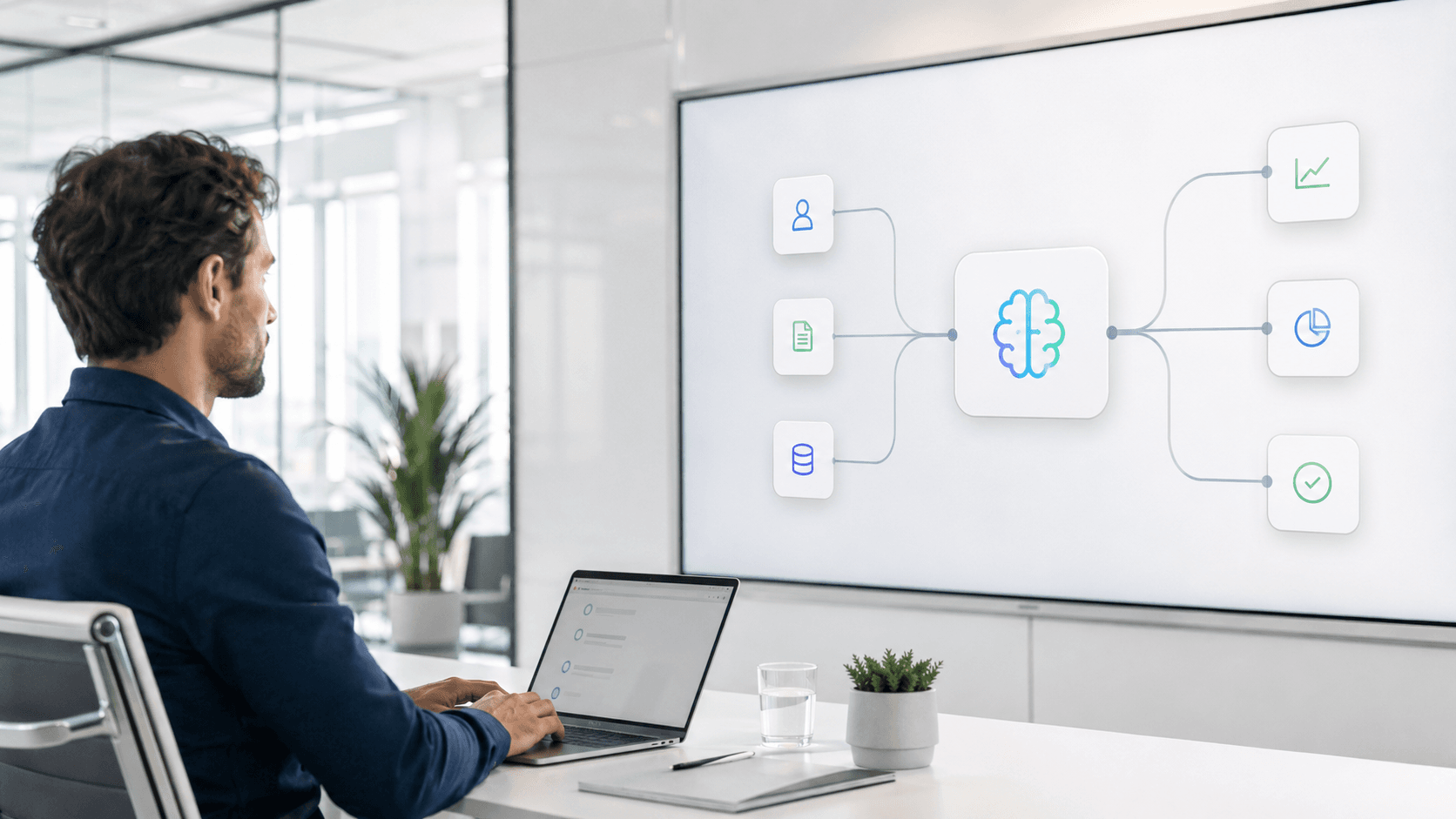
An AI Agents workflow is what you get when a step in an otherwise rule-based automation needs judgment instead of logic — interpreting an ambiguous document, deciding how to handle an exception, or drafting a response that depends on context. Instead of kicking that step out to a person, this workflow places an AI Agent directly inside the process as a standard activity.
Operations teams use this pattern anywhere a workflow currently breaks down because a step can't be reduced to a fixed rule. It's built so the AI Agent's decision stays inside the same orchestrated process and audit trail as every other step, rather than becoming a disconnected side task.
Rigid rule-based automation breaks down the moment a process step needs judgment, not just logic.
Unstructured or ambiguous cases get kicked out of the workflow and handled manually.
Teams bolt on separate AI tools outside the workflow, losing context and audit trail.
Trigger
Start the workflow from an event or schedule, same as any other automation.
Collect
Gather information from connected applications or workflow inputs.
Standard Processing
Run deterministic activities and business rules for the parts of the process that don't need judgment.
AI Agent Step
Send the complex or unstructured step to an AI Agent configured as a workflow activity.
Continue & Complete
Use the agent's output in the next activity and continue orchestration to completion.
meta-flow.ai lets you place an AI Agent directly inside a workflow as a standard activity — no separate tool, no lost context, just one more step in the process.
Learn More about meta-flow.ai0%
Fewer cases that fall out of the workflow for manual handling.
0× Faster
Handling time for complex or unstructured process steps.
0% Traceable
Every AI Agent decision stays inside one workflow audit trail.
0%
Less manual review across affected workflows.
An AI Agent is configured as a workflow activity itself — it receives input from the previous step and hands output to the next one, so it's part of the orchestrated process rather than a separate tool outside it.
Yes. Each AI Agent step is scoped to a specific task and set of allowed actions, so it handles exactly the judgment call it's configured for and nothing more.
Yes. Every AI Agent decision and its output are logged as part of the same workflow execution trail as every other activity.
Steps that involve interpreting unstructured information, applying judgment, or handling exceptions that don't fit a fixed rule — document interpretation, routing ambiguous cases, or drafting a response are common examples.
